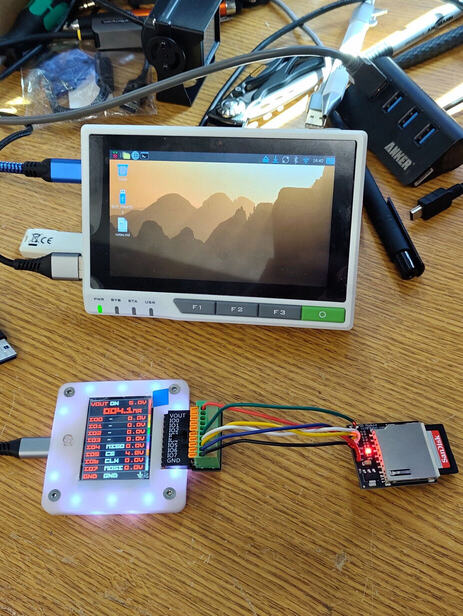
Managed to get it set up and flashed with latest firmware and got csd & cid data from sd cards.
Definitely a lot to learn and get my head round but the menu system and firmware flashing is a breeze, well done!
Managed to get it set up and flashed with latest firmware and got csd & cid data from sd cards.
Definitely a lot to learn and get my head round but the menu system and firmware flashing is a breeze, well done!
Thanks for checking it out! Glad you’re enjoying.
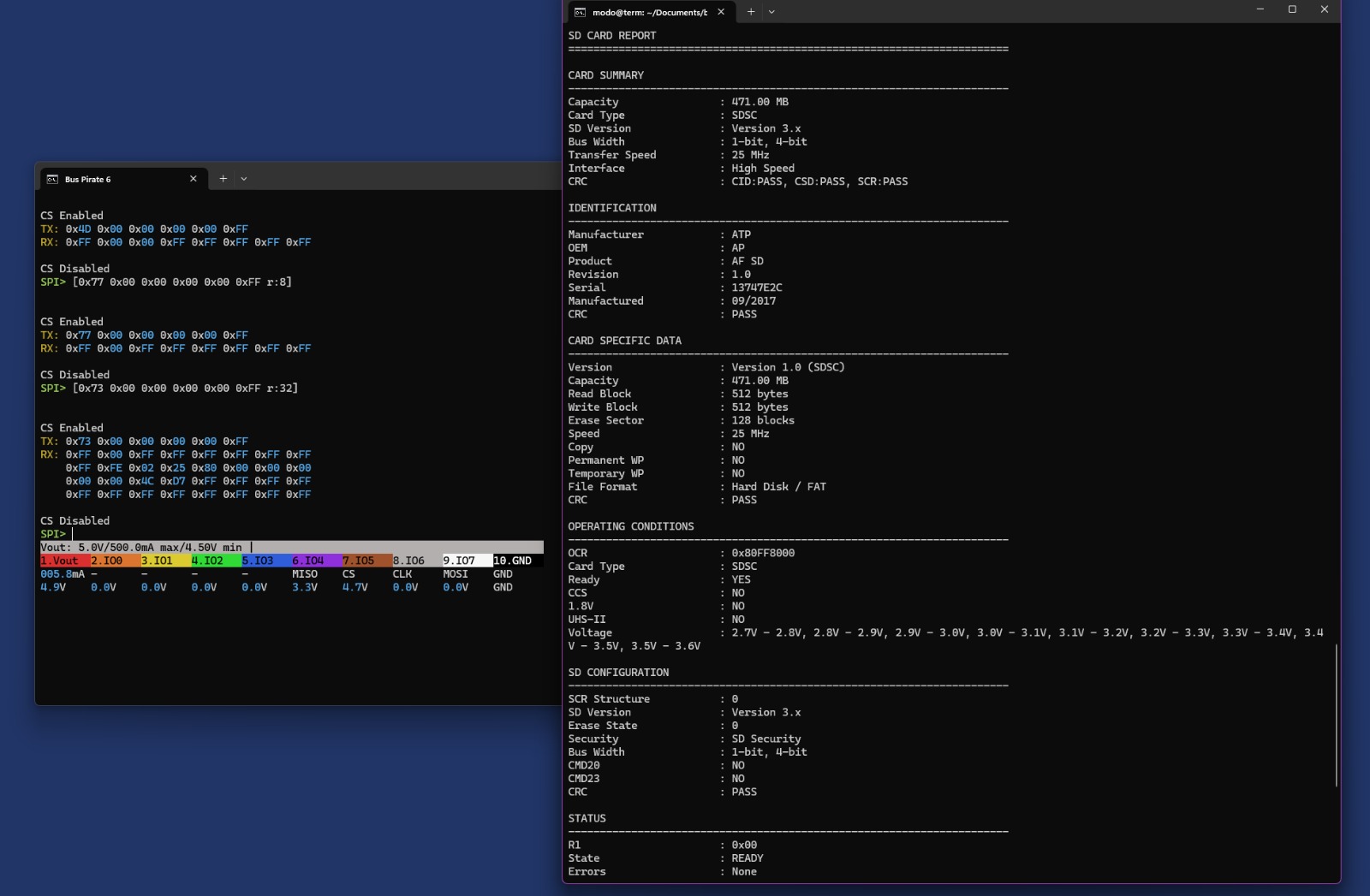
Do you have terminal output for the SD stuff? I enjoy turning that into commands to automate it for users with less technical skills.
I can try and work out something logical that would make sense when shared.
Won’t be until Tuesday when I’m back in the workshop though.
CID and CSD give the most information about cards and currently I just use Lumo AI to decode them but being they are mostly standard format a script should be able to handle it.
-Set up-
CMD0 [ 0x40 0x00 0x00 0x00 0x00 0x95 r:8 ]  0x01     Reset card and enter SPI mode
CMD8 [ 0x48 0x00 0x00 0x01 0xAA 0x87 r:8 ]  0x01 01 AA Card is ready and sd v2  05 is v1 I think.
CMD55 [ 0x77 0x00 0x00 0x00 0x00 0x01 r:8 ] 0x01     Tell card next command is ACMD
ACMD41 [ 0x69 0x40 0x00 0x00 0x00 0x01 r:8 ] 0x01 → 0x00    Initialise card

Repeat  CMD55 + ACMD41     Wait for 0x00  Card leaves idle state

-Reading information-
CMD58 [ 0x7A 0x00 0x00 0x00 0x00 0x01 r:6 ] 0x00 + OCR bytes        Read capacity/voltage

CMD9 [ 0x49 0x00 0x00 0x00 0x00 0x01 r:20 ] 0x00 + CSD      Read card characteristics

CMD10 [ 0x4A 0x00 0x00 0x00 0x00 0x01 r:30 ] 0x00 + CID       Read card identification
CMD13 [0x4D 0x00 0x00 0x00 0x00 0xFF r:8]  Card Status

-Misc-
CMD16 [0x7A 0x00 0x00 0x00 0x00 0xFF r:8]  Set Block Length (SDSC only)