Issue #261: Scripts can not run

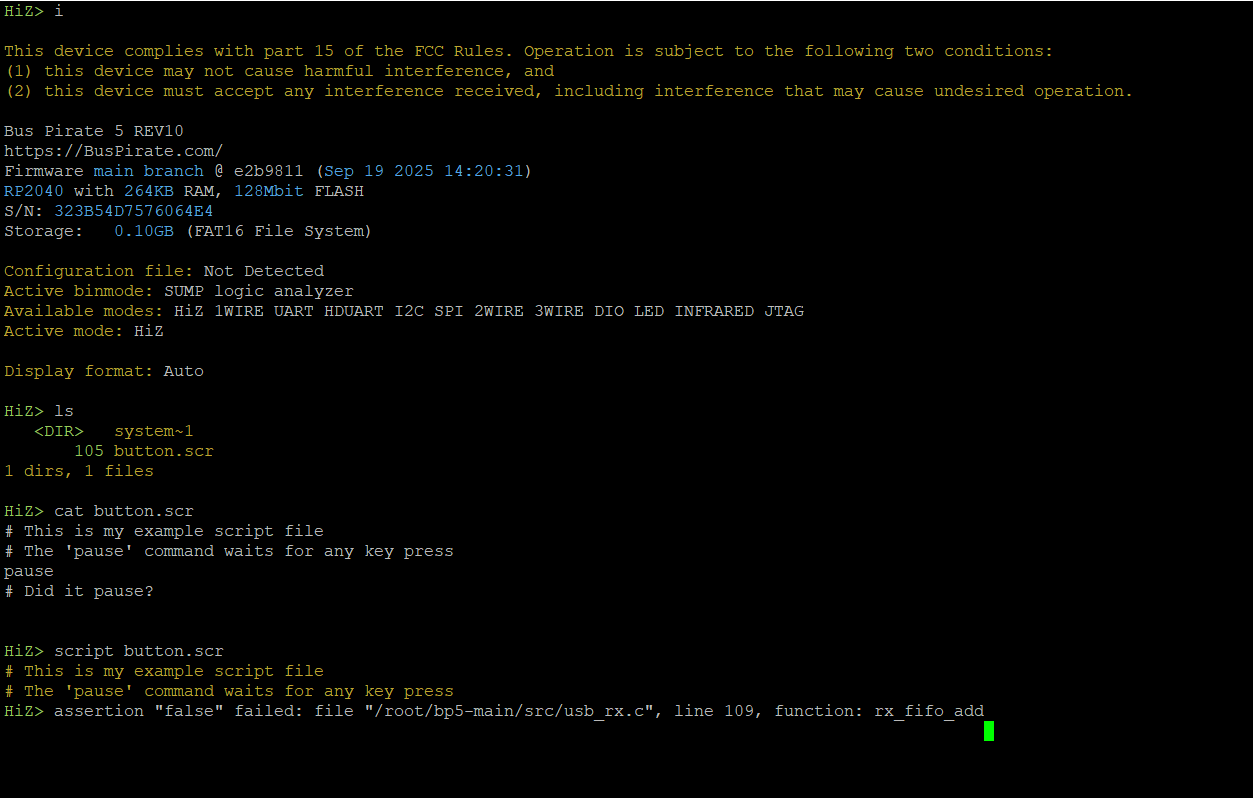
Scripts can not run:
Error: assertion “false” failed: file “/root/bp5-main/src/usb_rx.c”, line 109, function: rx_fifo_add
FW version: main branch @ e2b9811 (Sep 19 2025 14:20:31)

I started with a format flash and reflashing the FW. The issue appeared regardless.
I also tried with a firmware from eariler this year (f935018) the issue is similar. The difference is just in the line number (f935018: usb_rx.c, line 134)

To reproduce:

  • attach to computer
  • create script file with example content and save it
  • open serial port
  • run script file

Issue opened by: mitle

2 Likes

Maybe it’s time to rework the command line interface? The scripting was always hacked in there.

I’ll investigate this specific bug though.

Ah, I see Henry has already been here: // BUGBUG -- breaks FIFO queue only being added to by Core1

Thank you so much for the bug report. It seems this is a known bug, there is already a comment in the code.

I’m going to need to find an alternate entry point for injecting the script. I will update in the forum and reply here when I have a solution.

Comment by: DangerousPrototypes

I pushed an update that fixes this issue and also other issues with script.

Comment by: DangerousPrototypes

Fix pushed, that also fixes the nasty up arrow bug. I found a much nicer entry point.

At the same time I noticed that the button isn’t working correctly. Today’s todo list:

  • Fix button
  • Update button, script, and tutorial help
  • Add more extensive docs for button, script, and tutorial
  • Create some example scripts for the docs device demos

All the scripting stuff is working a lot better now, and I’ve updated the documentation.

Button is fixed and documentation added.

I removed the tutorial command which was just an alias of the script command with specific options. Having two version resulted in nether being well maintained/documented. I’m considering a rework of the CLI flags so that a tutorial like behavior is the default. I need to think on this a bit.

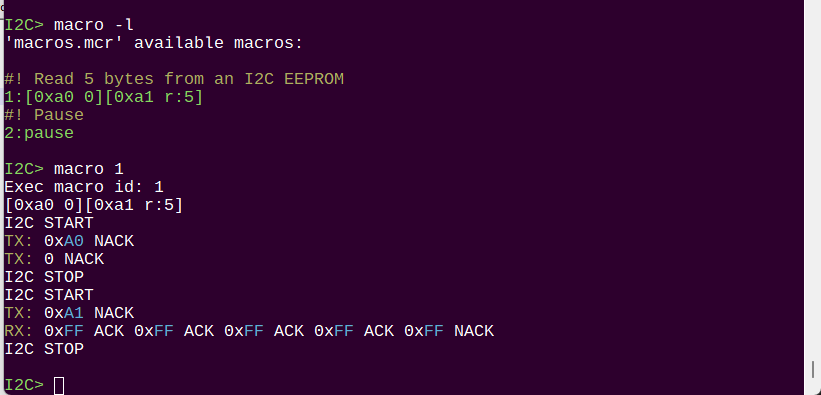
Doing a refresh of the macro command as well, will update those docs now.

On the go, so cannot check myself:

As you may recall, you moved from built-in queues to ones that did not take a lock, with the presumption that it would only be added to from Core 0, and only drained from Core 1.

Ensuring this remains true is why that assertion was put into the code. Otherwise, will have those rare/random queue lockups again.

I hope that assertion remains, or the queue is modified to use a normal queue structure again?
1 Like

Yes of course it will remain, the script.command just needed and update :slight_smile:

1 Like