New toolbar framework, VT100 updates, system monitor

Next up on the MASSIVE REFACTOR

  • A new framework for registering toolbars such as the status bar and the logic analyzer. Allocate screen space automatically, adjust to terminal resizing
  • New toolbars, examples, how to build documentation
  • VT100 to a more reusable consistent API
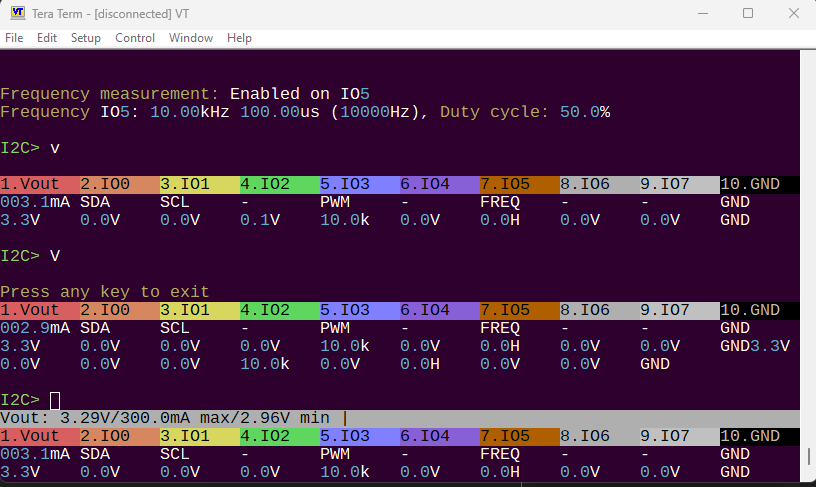
  • The status bar live monitor and the V/v output use identical code, but one writes to printf and the other a buffer. Unify this to a buffer.
  • The system monitor (indicates pin voltage or label change) is tightly integrated into the status bar and other places in a chaotic way. Good time to clean that up.
3 Likes

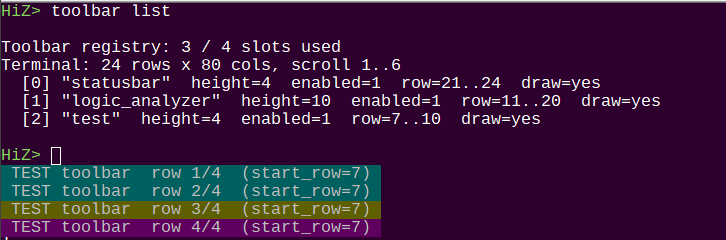
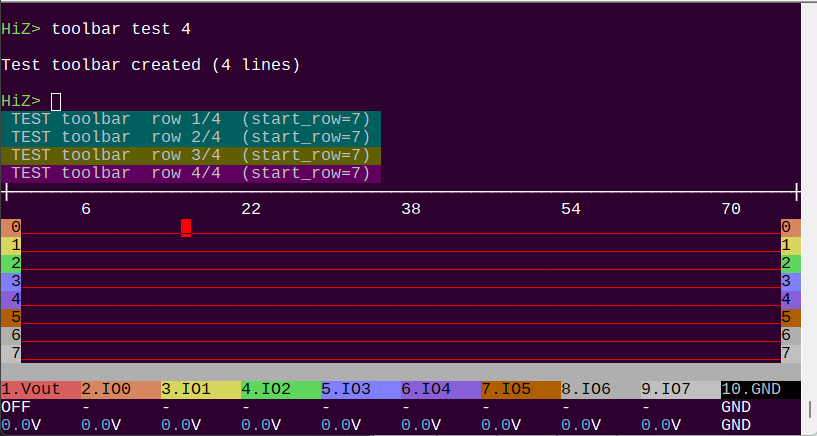
Toolbar system work in progress:

  • test toolbar with 4 rows
  • logic toolbar
  • status bar

A new toolbar command is useful for debugging.

1 Like

I’ll post small updates here and push bigger ones into independent threads.

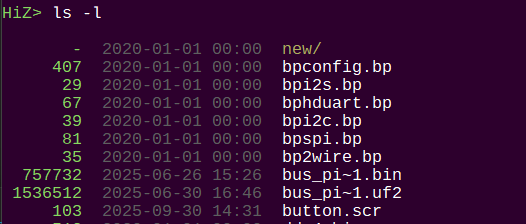
ls now imitates the linux version more closely. Folders first, coloring. -a and -l flags are supported.

1 Like

Almost done with this phase of the refactor. In addition to much nicer code and structure, we get some new bonus features:

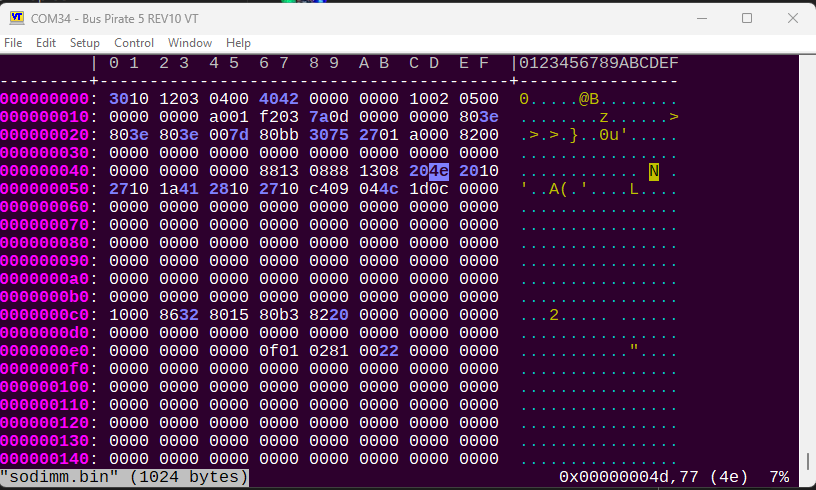
  • Implemented hx hex editor as the hexedit command
  • Implemented kilo editor as the edit command
  • New toolbar system — hardened, expandable, documented
  • State-tracked VT100 color rendering in hex editor to prevent display corruption
  • TX pipeline hardening with multi-cycle drain before toolbar updates
  • Improved VT100 terminal size detection at boot
  • txtest command for TX pipeline stress testing and regression checks
  • Improved ls command.
2 Likes

This has taken a bit of a turn. The original goals are basically done (except refactor system monitor).

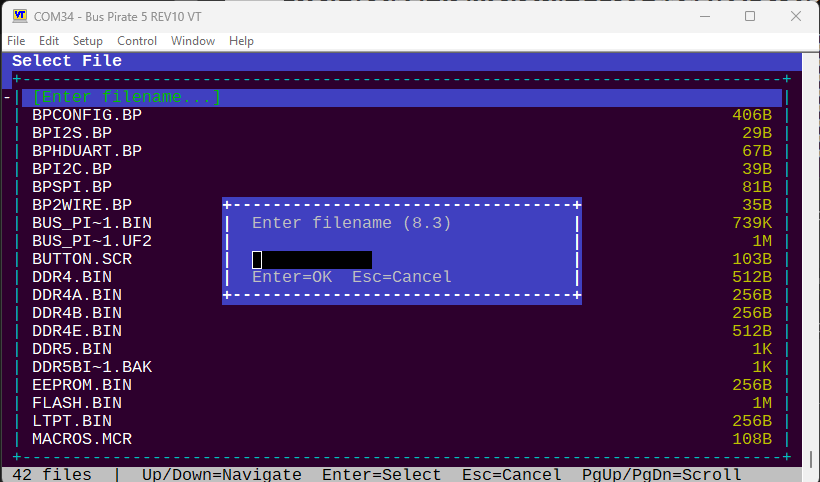
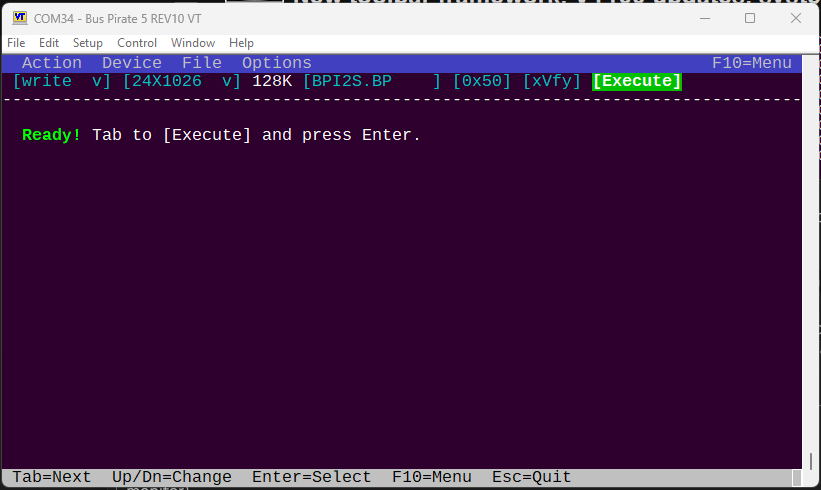
However, while we’re doing VT100 I had a few ideas for interface toolkits. We’ve already got drop down menus in edit and hexedit. Now I’m building a GUI widget kit with full on navigation, file pickers, and more.

Current implementation is a GUI for I2C EEPROM command. Still a little crude. It has a full featured menu, but you can also move between the fields and up/down to scroll.

The big blank area in the middle will hold the full featured hex viewer/editor we added with the hexedit command.
2 Likes