Sorry for the confusion, I meant the base python library is the latest version in github. You will of course need to change the line in the example to get the scan instead of the default demo.
Update - . In short - BP5 works , BP6 - doesn’t work.
Setup:
I have a breadboard with a 24c02, BP5, BP6, and an old Saleae LA.
I only plug in one of the BP’s at a time. I did the python scan using one, then unplugged it, plugged in the other BP, and did the same scan.
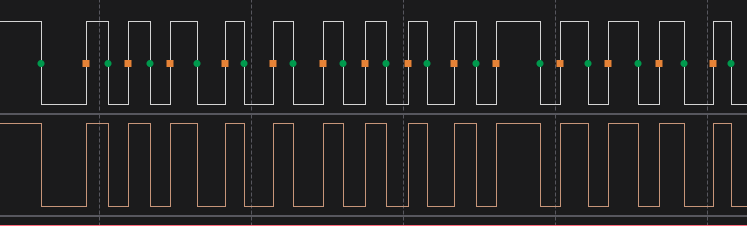
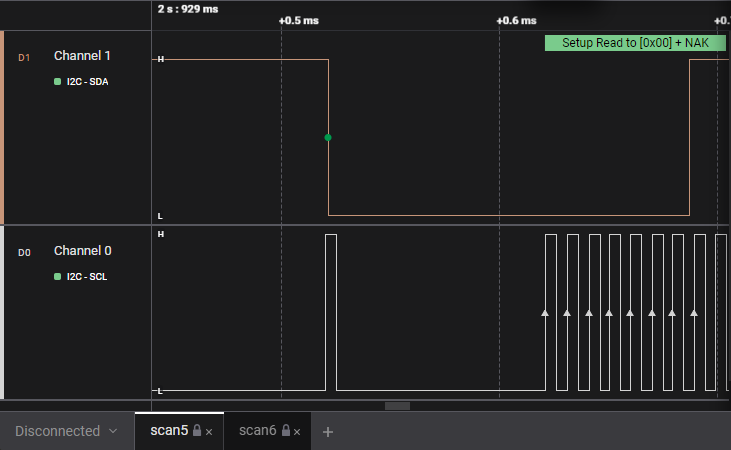
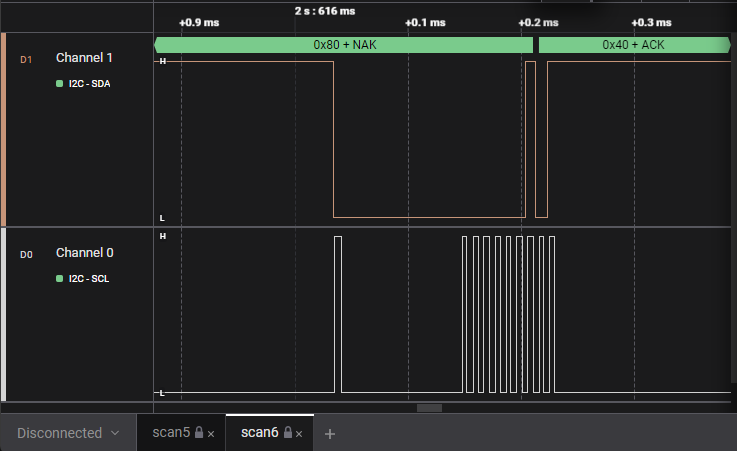
I have attached the debug output of both. Immediately after I run the python scan, I type “scan” and “i” in the terminal. In both scans work in the terminal. Only the python scan fails with the BP6.
On further testing, when I add more devices to the I2C bus, the python code returns inconsistent results with the BP5. The terminal version seems consistent and correct.
I should add that I do the terminal scan after the python scan, so it uses the same configuration.
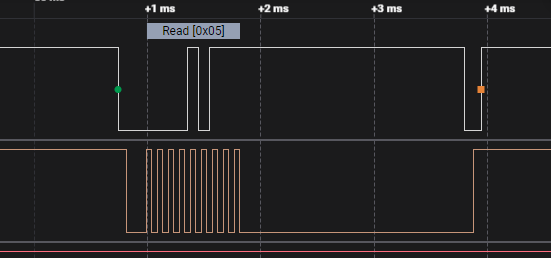
Also - with the extra device on the bus, on the BP5 - i2c_example.py no longer reads bytes from the eeprom.
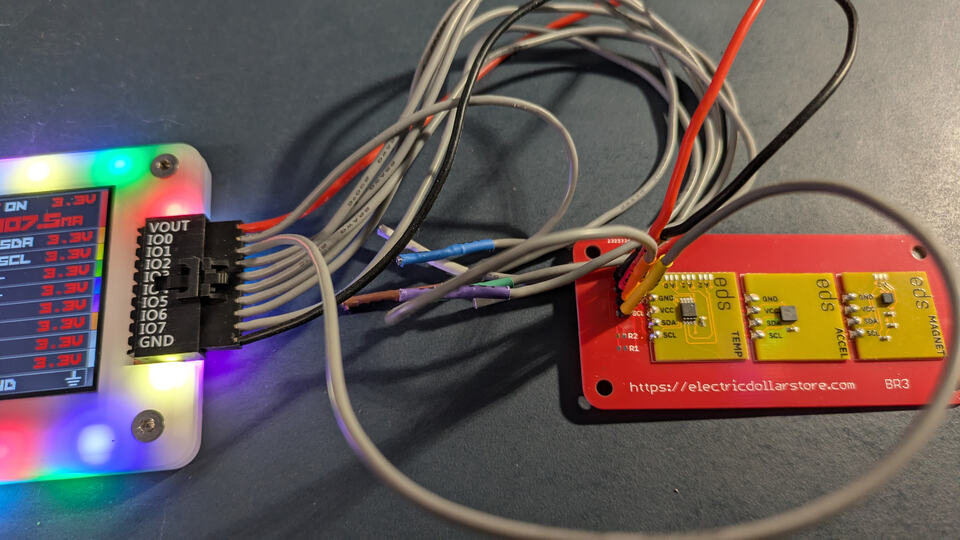
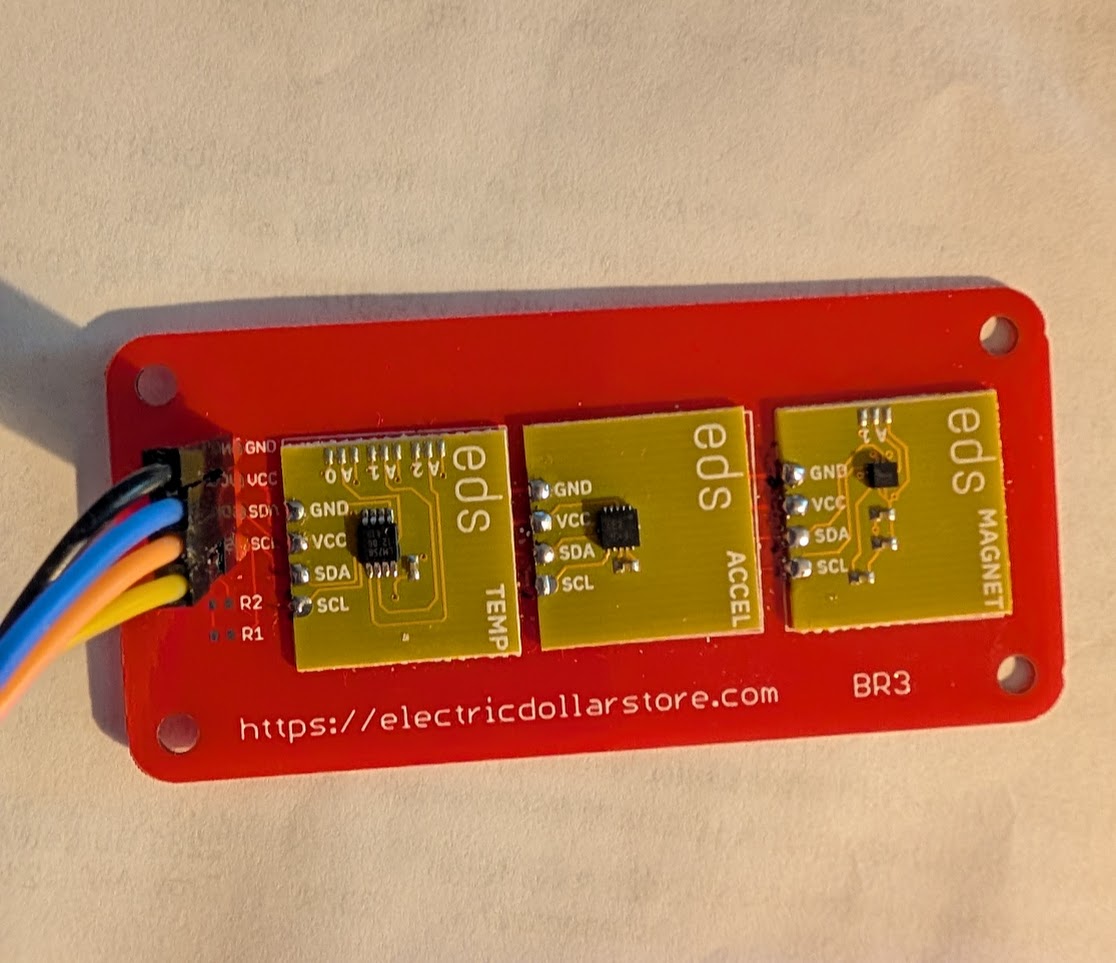
The 3 additional sensors are on a dedicated breakout board - I wanted a reliable setup for testing.
I saw your Electric Dollar Store target devices in the image above. Interesting looking stuff, so I just ordered some to try.
I’ll be able to add another set of data points for this; I have a BP 5 and a six, so I can give it a try too. Been meaning to try the Python BPIO2 interface
Take your time, Ian. I felt guilty for documenting this right before the holidays.
I used the Electric Dollar Store because I wanted a reliable test setup. I really dislike breadboards, which is why I use Cybergibbons reverse breadboard for the setup (headers on stripboard), to make a reliable connections.
I’m a scripting guy, and I really wanted to use python for the I2C CTF Teensy device. I figured brute force reverse engineering would be a useful technique and I could learn more about I2C.. Also dumping lots of I2C registers, looking for non-zero values, is really clunky in the BP, while python would make it so much easier.
Just got an email that the electric dollar store that my order is shipping. Talk about shiny distractions, haha.
I’m leaving for a warm weather escape at the end of the week, so not sure when I’ll get back to it. (Current air temp is 10 degrees F, 88 at my destination in Costa Rica , looking forward to it!)
            #for write addresses, start, address, stop
            result = self.transfer(write_data=[addr << 1], read_bytes=0)
            if result is not False:
                found_devices.append(addr<<1)
                #print(f"Device found at 0x{addr:02X}")
            else:
                self.stop() #clear bus if write failed
At some point I commended out the explicit else: stop() on query failure. This seems to have major impact on 6 but none on 5. Must be some small PIO difference. I pushed an update to the python library, you will also need the latest firmware to fix a bug in the BPIO I2C.stop handling.
Bus Pirate 6
https://BusPirate.com/
Firmware main branch @ unknown (Feb  4 2026 08:54:48)
RP2350B with 512KB RAM, 128Mbit FLASH
S/N: 3495891163B890DF
Storage:   0.10GB (FAT16 File System)

Configuration file: Loaded
Active binmode: BPIO2 flatbuffer interface
Available modes: HiZ 1WIRE UART HDUART I2C SPI 2WIRE 3WIRE DIO LED INFRARED JTAG Nuvo8051
Active mode: I2C
 I2C speed: 400 kHz
 Clock stretching: OFF

Display format: Auto
Data format: 8 bits, MSB bitorder
Pull-up resistors: ON
Power supply: ON (3.3V/3.29V)
Current limit: OK (7.1mA/50.0mA)
Frequency generators: OFF

I2C> scan
I2C address search:
0x19 (0x32 W) (0x33 R)
0x1C (0x38 W) (0x39 R)
0x48 (0x90 W) (0x91 R)

Found 6 addresses, 3 W/R pairs.
From Python:
$ python3 ./eds.py --port /dev/ttyACM1
Connected to Bus Pirate on /dev/ttyACM1
Configuring I2C interface..

Scanning I2C bus from 0x00 to 0x7F...
Found 3 I2C devices:
  0x19 (0x32) (0x33)
  0x1c (0x38) (0x39)
  0x48 (0x90) (0x91)




 , looking forward to it!)